Kelvy · White balance for camera crews

Get Kelvin readings right from your phone

Kelvin, tint, source, and a camera-ready setting—before the camera rolls.

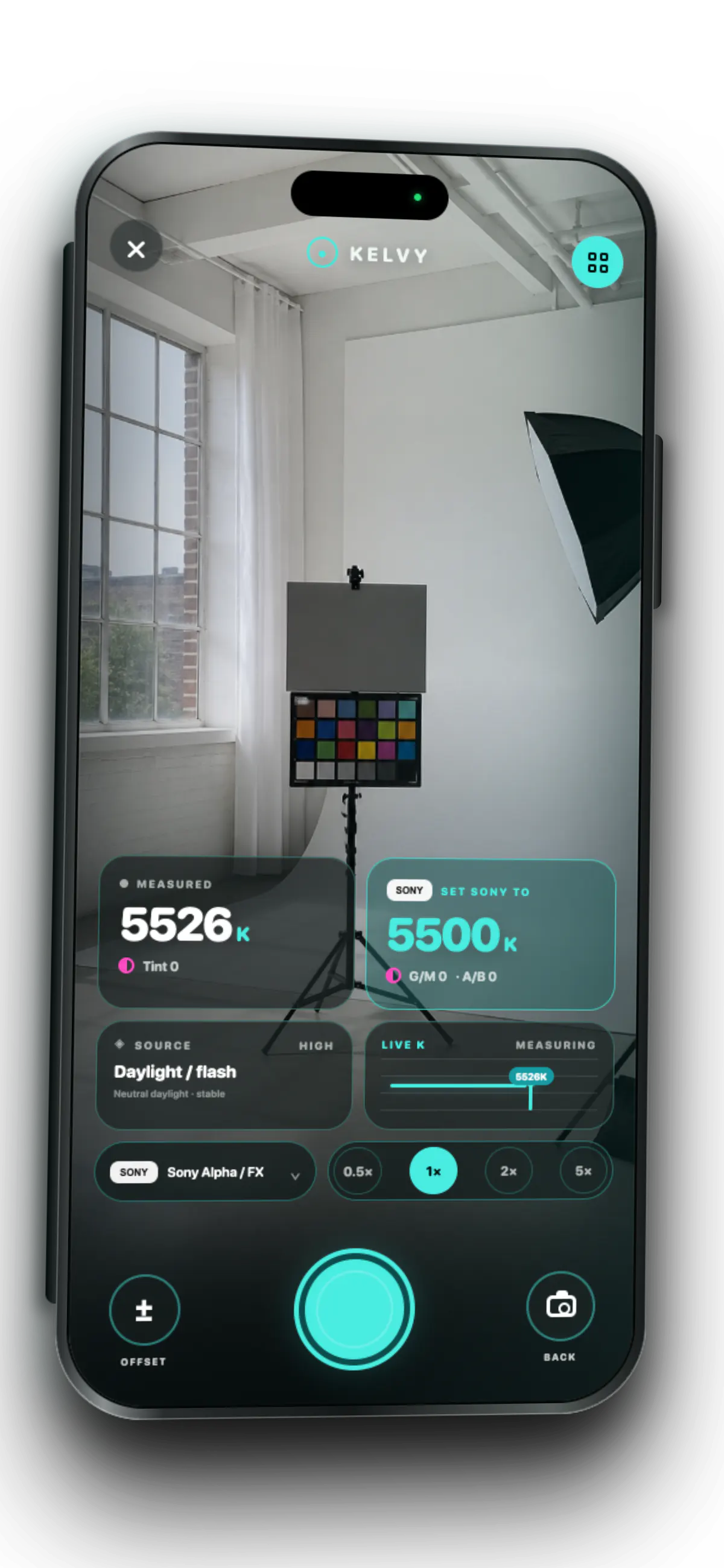
Kelvy measuring a daylight studio at 5526 Kelvin inside a dimensional iPhone.

Live scene 5526K Daylight / flash

01 / Read the scene

One glance.
Four answers.

Point Kelvy at the light. Leave with the numbers the camera department actually needs.

Kelvin

5526K

Ambient color temperature.

Tint

0

Green-to-magenta shift.

Source

Daylight

The likely light in the scene.

Set camera

5500K

A profile-aware camera setting.

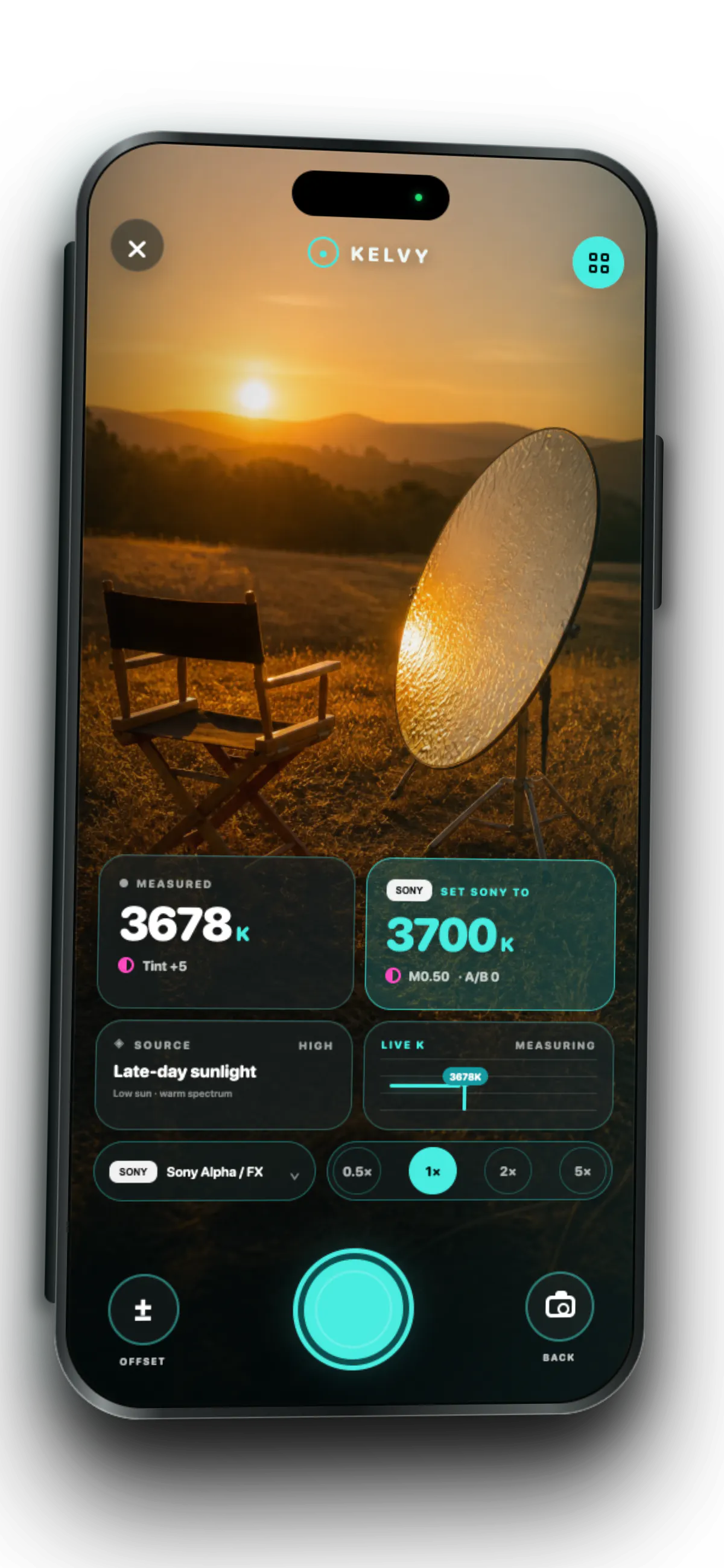
Kelvy measuring late-day sunlight at 3678 Kelvin inside a dimensional iPhone.
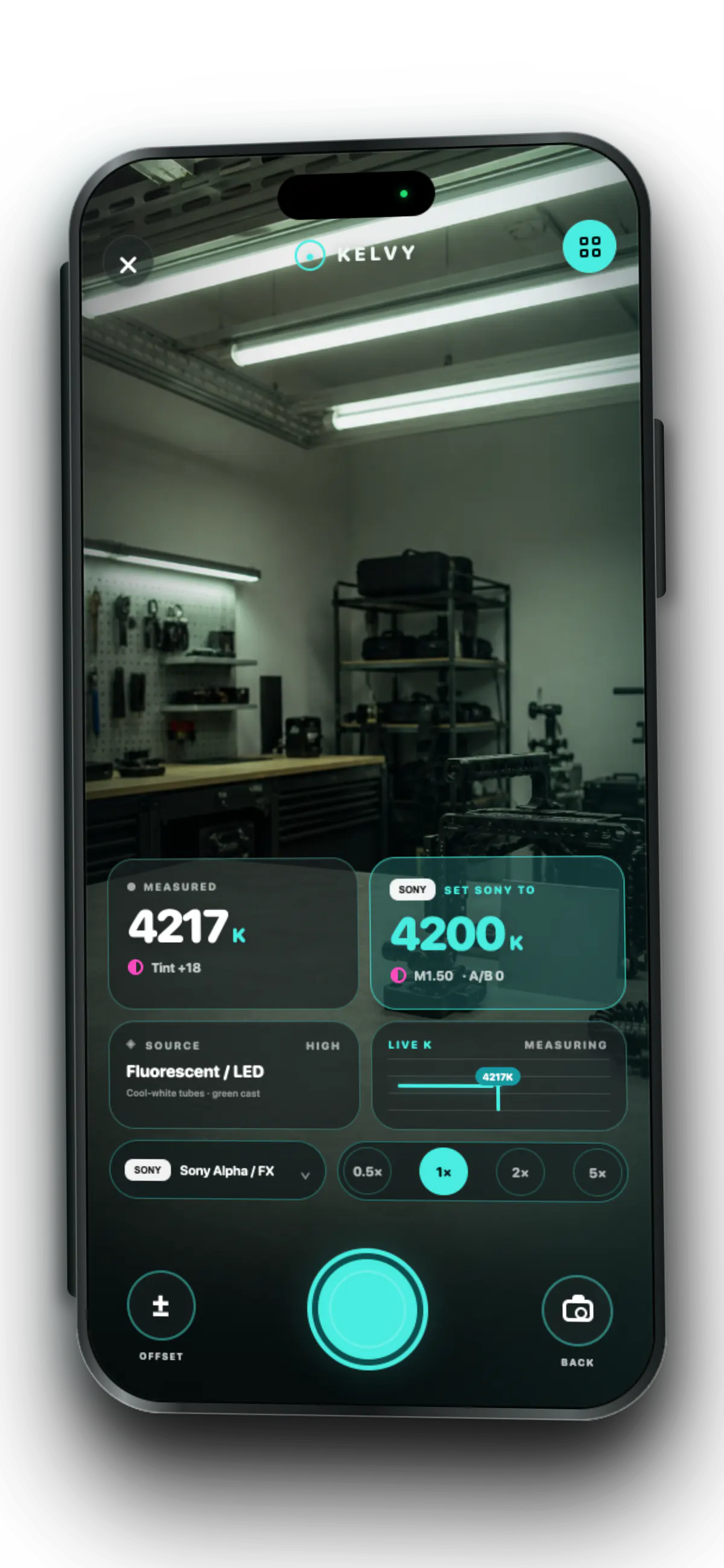
Kelvy measuring fluorescent workshop light at 4217 Kelvin inside a dimensional iPhone.

02 / From meter to camera

Read the scene in your camera’s language.

Choose a profile once. Kelvy translates every reading into the Kelvin and tint steps that body expects.

  • Profile aware Sony, Canon, Fujifilm, Blackmagic, RED, ARRI, and generic cameras.
  • Reference attached Save the frame beside its Kelvin, tint, source, and camera setting.
  • Calibrated to you Add an offset to match a trusted meter or camera body.

03 / Across the spectrum

Five scenes.
White balance that matches.

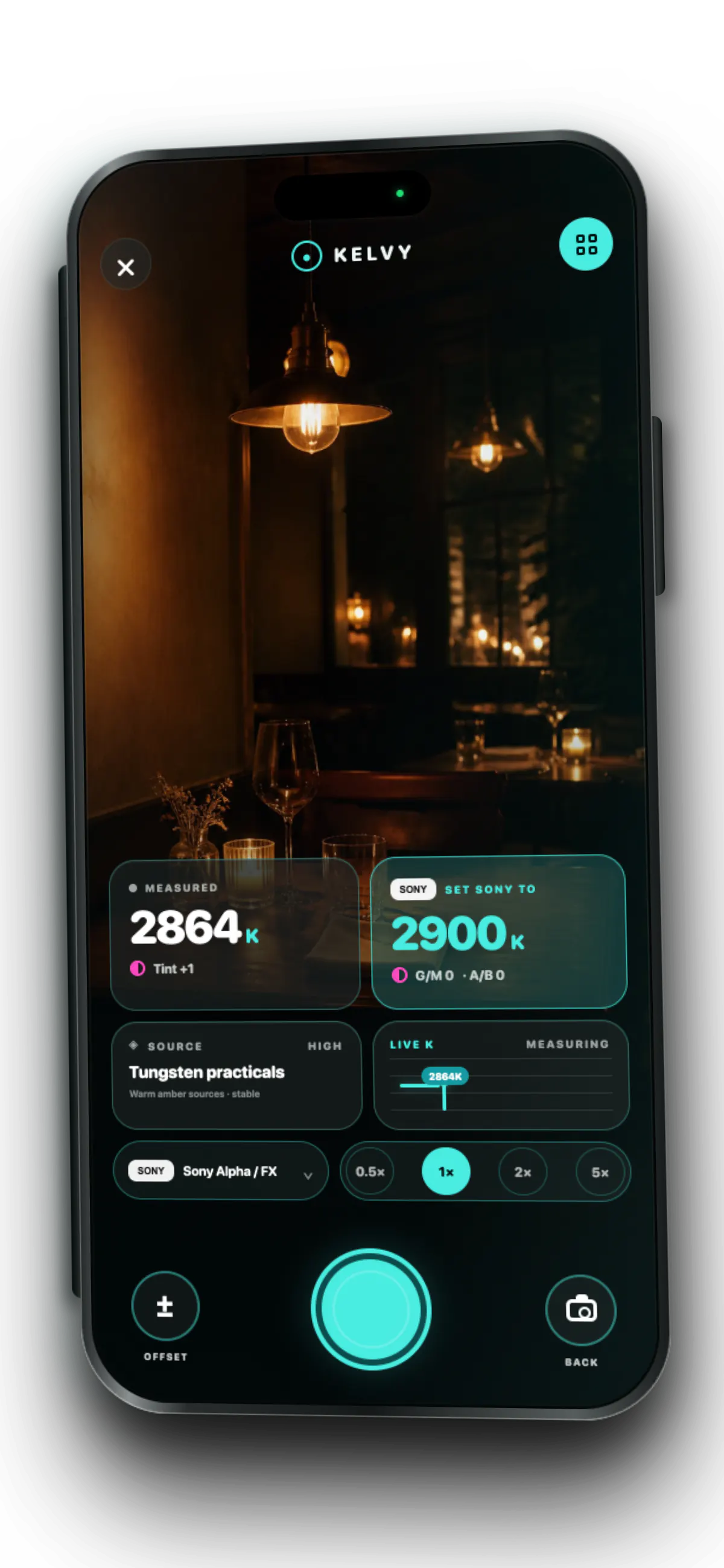
Kelvy measuring candlelit bistro practicals at 2864 Kelvin inside a dimensional iPhone.
Tungsten practicals · 2864K
Kelvy measuring late-day sunlight at 3678 Kelvin inside a dimensional iPhone.
Late-day sunlight · 3678K
Kelvy measuring fluorescent and LED workshop light at 4217 Kelvin inside a dimensional iPhone.
Fluorescent / LED · 4217K
Kelvy measuring a neutral daylight studio at 5526 Kelvin inside a dimensional iPhone.
Daylight / flash · 5526K
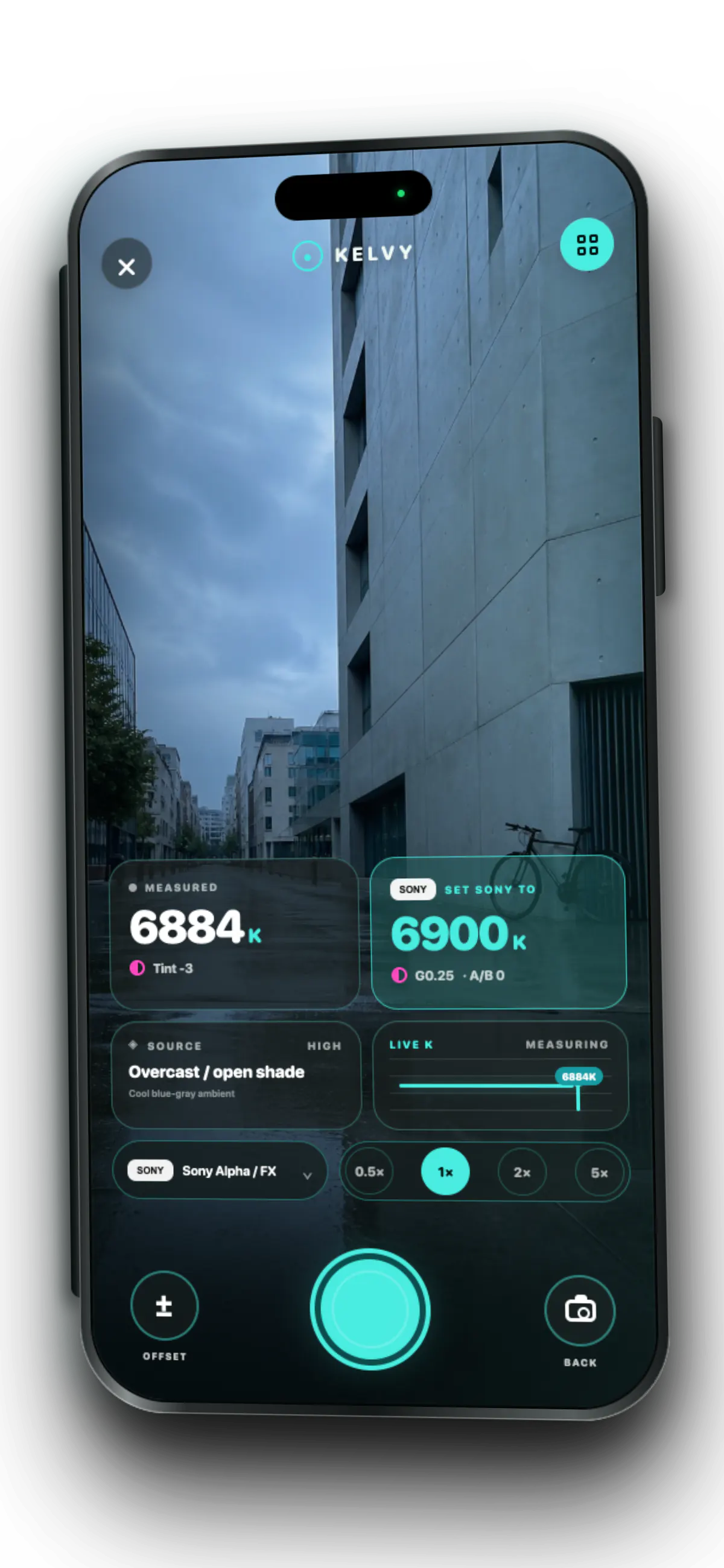
Kelvy measuring overcast open shade on a wet city street at 6884 Kelvin inside a dimensional iPhone.
Overcast / open shade · 6884K

04 / Scout to set

A clean trail from location to camera.

Keep the frame, reading, profile, and source together. Come back knowing exactly what changed.

01

Read the light

Use the whole scene for a fast check or fill the frame with a neutral reference.

02

Set the camera

Get Kelvin and tint in the steps your selected camera supports.

03

Save the scout

Keep the frame and metadata together for the return to location.

Available now

Put Kelvy
in your pocket.

White balance for iPhone and iPad.